

 |
|
| Rating: 4.2 | Downloads: 1,000,000,000+ |
| Category: Business | Offer by: zoom.com |
Zoom is a widely used video conferencing app designed for virtual meetings, online classes, webinars, and remote communication 🎥💬. It offers high-quality video and audio, screen sharing, chat messaging, and collaboration tools, making it useful for schools, businesses, and personal use.
Whether you’re hosting a team meeting, joining an online lesson, or catching up with friends and family, Zoom app provides a reliable and easy way to connect from anywhere.
App Features
🎥 HD Video & Audio Quality
Zoom supports smooth, high-quality video meetings and clear audio, making conversations feel more natural whether it’s a quick call or a large online event.
👥 Breakout Rooms for Group Collaboration
With Zoom Breakout Rooms, participants can be split into smaller groups for team tasks, workshops, or classroom discussions.
📤 Screen Sharing & Meeting Recording
Zoom allows users to share presentations, documents, or entire screens and record sessions for future reference or sharing.
💬 In-Meeting Chat, Reactions & Engagement Tools
Participants can send messages, share files, use emoji reactions, polls, or raise a virtual hand—keeping communication active and organized.
📅 Easy Scheduling & Calendar Integration
Zoom works smoothly with Google Calendar, Outlook, and other scheduling tools, making it easy to join or set up meetings with a single link.
🔒 Strong Security & Host Controls
Features like waiting rooms, meeting passwords, and host permissions help protect privacy and prevent unexpected interruptions.
🧩 Virtual Backgrounds & Filters
Users can blur their background or use Zoom’s virtual backgrounds and filters for a professional appearance or a more fun meeting experience.
Pros & Cons
Zoom makes virtual communication easy with clear video, screen sharing, and helpful collaboration tools like breakout rooms and chat. It’s reliable for work, school, and personal use, and joining a meeting only takes a single tap.
However, longer meetings and advanced features require a paid plan, and the app may use more battery and data during extended video calls. Performance also depends on connection stability, which may affect users with weak networks.
Similar Apps
| App Name | Highlights |
|---|---|
| Microsoft Teams | This app offers fast team collaboration with integrated chat, calling, and Office 365 tools. Known for enterprise-grade security and cross-platform compatibility. |
| Slack | Designed for simplicity and custom channel organization. Includes guided steps and real-time document collaboration. |
| Miro | Offers AI-powered virtual whiteboards, template libraries, and collaboration tools ideal for remote teams. |
Frequently Asked Questions
Q: Can I integrate Zoom Workplace with other business tools?
A: Yes, Zoom Workplace supports integrations with popular business applications like Slack, Google Workspace, Microsoft Outlook, and various project management tools, making it easier to connect different aspects of your workflow.
Q: How secure is Zoom Workplace for sensitive company communications?
A: Zoom Workplace employs end-to-end encryption for all messages and calls, with additional security features like admin controls for content restrictions and detailed audit logs for compliance.
Q: Is the platform suitable for educational institutions?
A: Absolutely! Zoom Workplace offers specialized features for schools and universities, such as secure student communication channels and tools for virtual classroom sessions, making it ideal for blended learning environments.
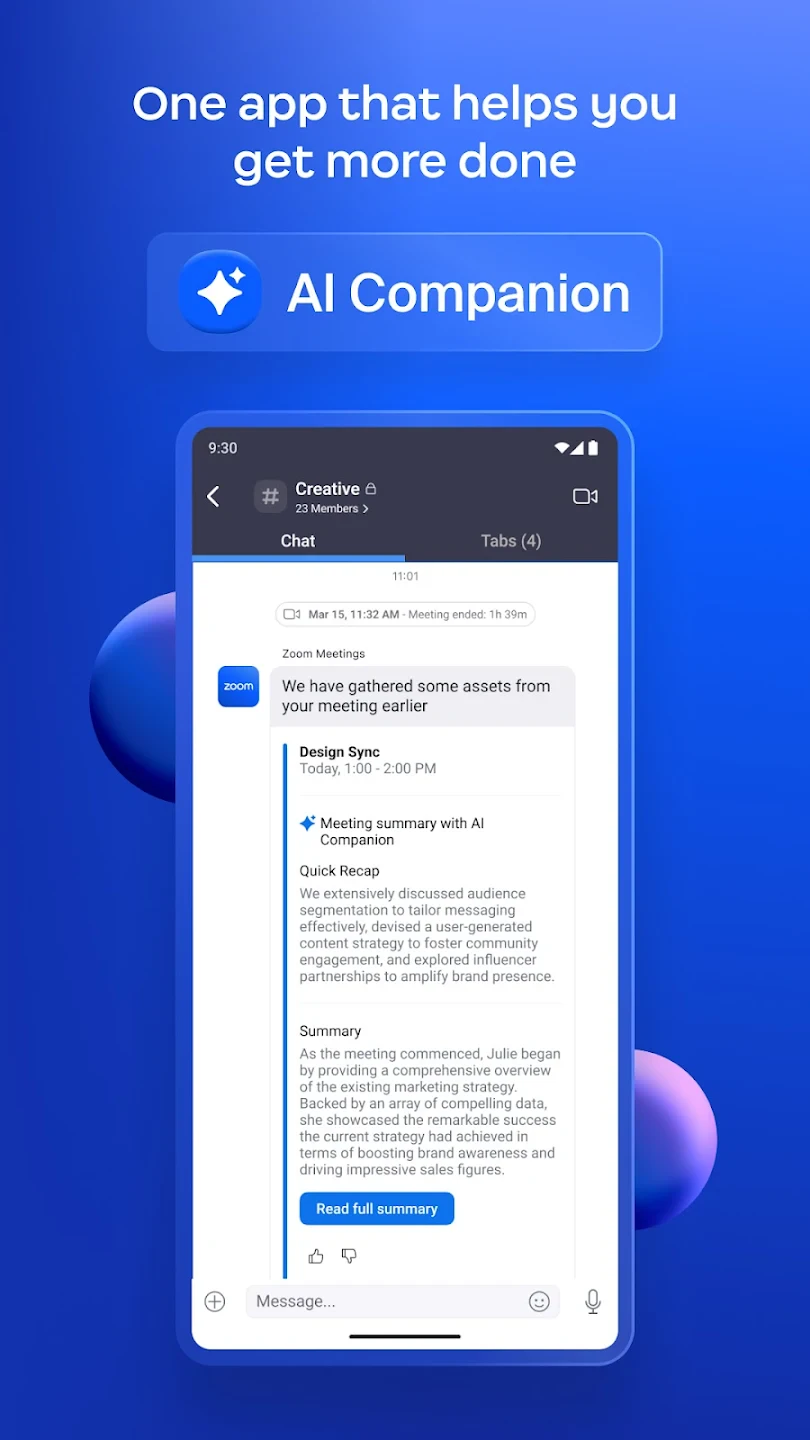
Screenshots
 |
 |
 |
 |
Zoom Workplace App Download |
|
|---|---|
 |
 |