

 |
|
| Rating: 4.4 | Downloads: 50,000,000+ |
| Category: Business | Offer by: Google LLC |
App Features
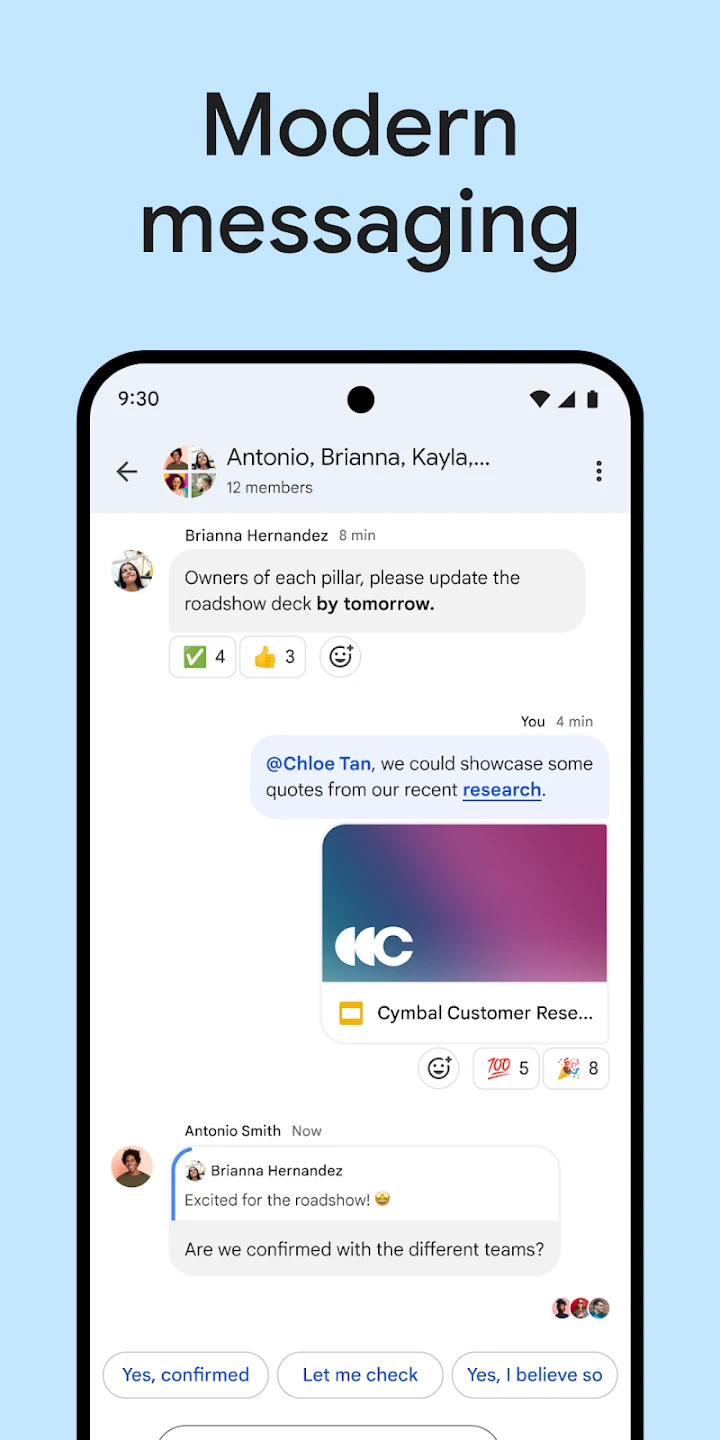
💬 One-on-One & Group Messaging
Chat privately or create group conversations for projects, teams, or friends. Messages stay organized and easy to follow.
📂 File Sharing & Google Workspace Integration
Share documents, images, and links directly from Google Drive. Everything syncs seamlessly with Gmail, Docs, Sheets, and Google Meet.
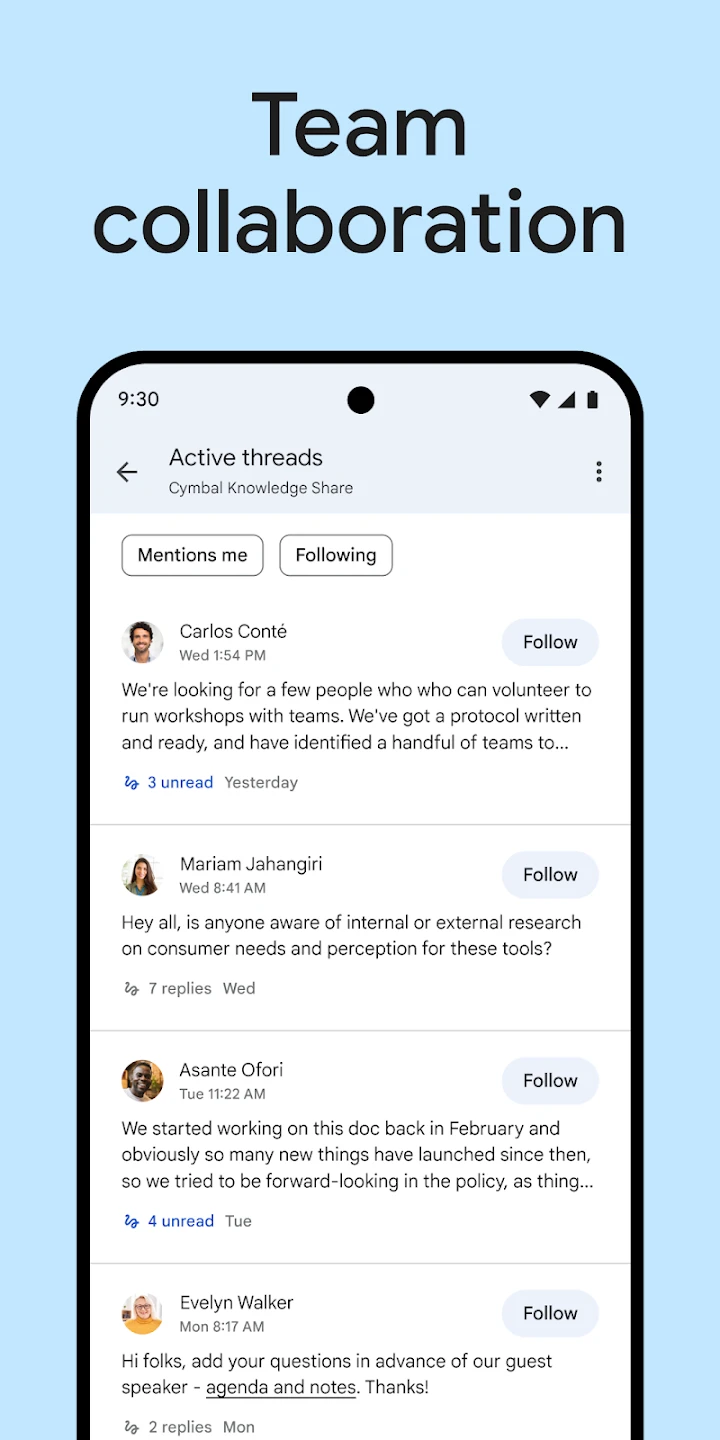
🔔 Mentions & Threaded Messages
Use @mentions to get someone’s attention and keep conversations organized with threads, so discussions of Google Chat app don’t get lost in the chat stream.
📅 Smart Collaboration Tools
Schedule meetings, assign tasks, and work with shared content—all without leaving the chat. Perfect for remote teamwork and planning.
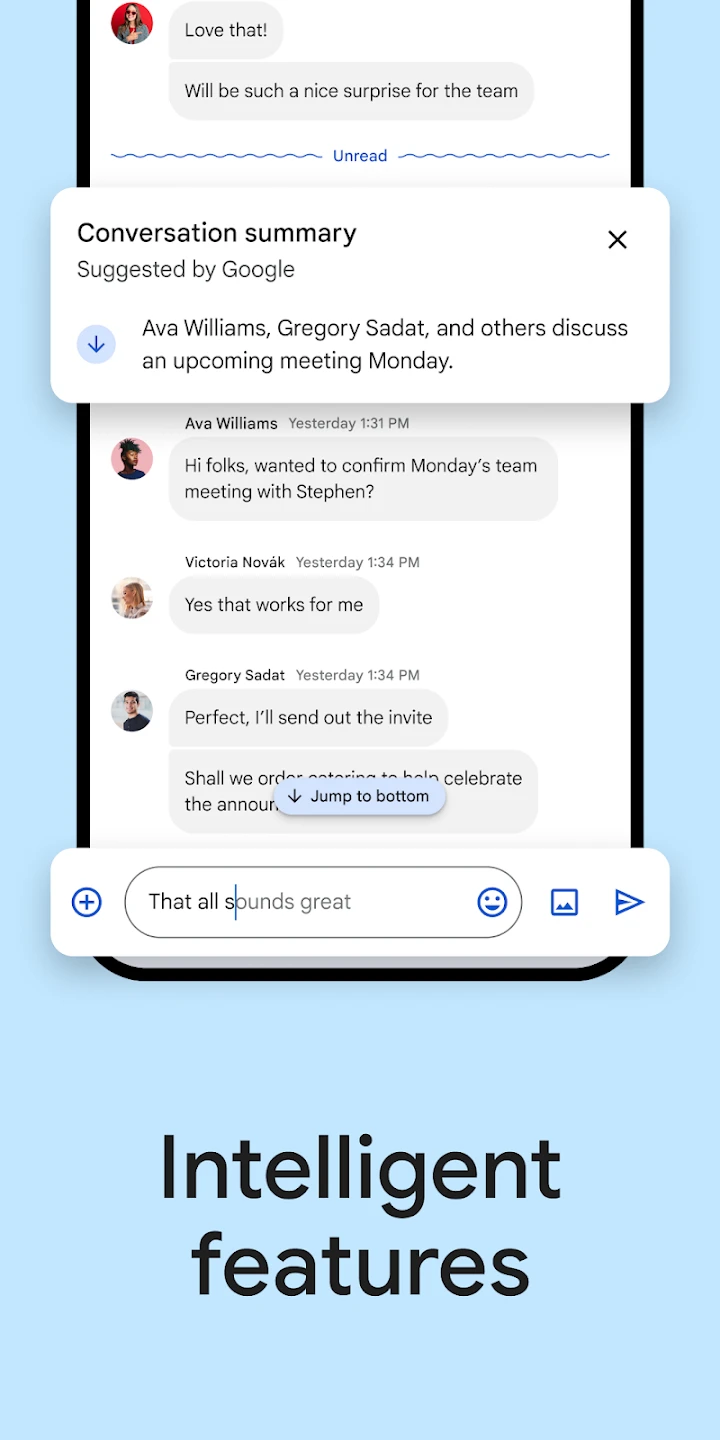
🔍 Advanced Search & History Sync
Quickly find past messages, files, or keywords with powerful search across all devices in Google Chat, making information easy to retrieve anytime.
🛡️ Built-In Security & Spam Protection
Google Chat includes enterprise-grade encryption, spam filtering, and safety controls to protect messages, files, and conversations — making it reliable for school, business, and personal use.
✅ Pros & ⚠️ Cons
Google Chat offers seamless integration with Gmail, Google Drive, and the full Google Workspace suite, making collaboration smooth and efficient. The interface is clean and easy to use, and features like message threads, mentions, and task tools make teamwork more organized. It also syncs across devices and works well for both personal and professional communication.
However, it’s not as customizable or fun as some casual chat apps, and the overall experience is best when you’re already using Google services. Media options, emojis, and personalization features are also more limited compared to competitors like Slack or Microsoft Teams.
Similar Apps
| App Name | Highlights |
|---|---|
| Slack | A widely adopted team communication tool offering channels, direct messages, and numerous integration options, often compared to Google Chat in terms of collaboration features. |
| Microsoft Teams | Part of the Microsoft 365 suite, this app combines chat, meetings, and file storage with deep integration into Office products, a direct competitor to Google Chat for organizations using Microsoft services. |
| Discord | Initially popular in gaming communities, Discord offers powerful text and voice channels, unique activity indicators, and server organization, providing a distinct communication experience compared to Google Chat for certain groups. |
Frequently Asked Questions
Q: Is Google Chat completely free to use?
A: Google Chat offers core messaging features for free within the free version of Google Workspace. Some advanced features or dedicated spaces might require a paid Google Workspace subscription.
Q: How do I start a conversation with someone outside my Google Workspace domain?
A: You can initiate a direct message with an external contact who is not in the same Google Workspace organization. However, for broader team collaboration, using Chat Spaces or groups might be more effective depending on your needs.
Q: Can Google Chat replace email for my entire team?
A: Absolutely. Many teams find Google Chat a faster, more organized alternative to email for internal communication and project collaboration, especially when leveraging features like spaces, threads, and integrations.
Q: Does Google Chat sync across all my devices?
A: Yes. The app is designed to keep your conversations and settings synchronized across all your devices running the Chrome browser, the desktop app, or the mobile application, ensuring consistency and accessibility.
Q: Can I schedule messages in Google Chat?
A: Yes, scheduling messages is a feature that allows you to send messages at a predetermined future time, which is particularly handy for announcements, reminders, or messages you want to appear at a specific moment.
Screenshots
 |
 |
 |
 |
Google Chat App Download |
|
|---|---|
 |
 |