

 |
|
| Rating: 4.5 | Downloads: 10,000,000,000+ |
| Category: Communication | Offer by: Google LLC |
Google Meet is a secure and easy-to-use video calling app designed for work, school, and everyday communication. It offers high-quality video meetings, simple joining links, and smooth integration with Gmail and Google Calendar, making it effortless to connect from anywhere.
App Features
🎥 High-Quality Video Calls
Google Meet delivers clear, stable video and audio that automatically adapts to your network for smoother meetings.
📤 Screen Sharing & Present Tools
With Google Meet, you can share your screen, documents, or tabs easily—great for classes, team updates, or presentations.
👥 Large Group Meetings
Google Meet supports group calls with many participants, making it ideal for team discussions, online lessons, and virtual events.
💬 In-Call Chat, Reactions & Hand Raise
Meet includes chat messaging, emoji reactions, and the hand-raise feature to keep conversations organized.
📅 Calendar & Gmail Integration
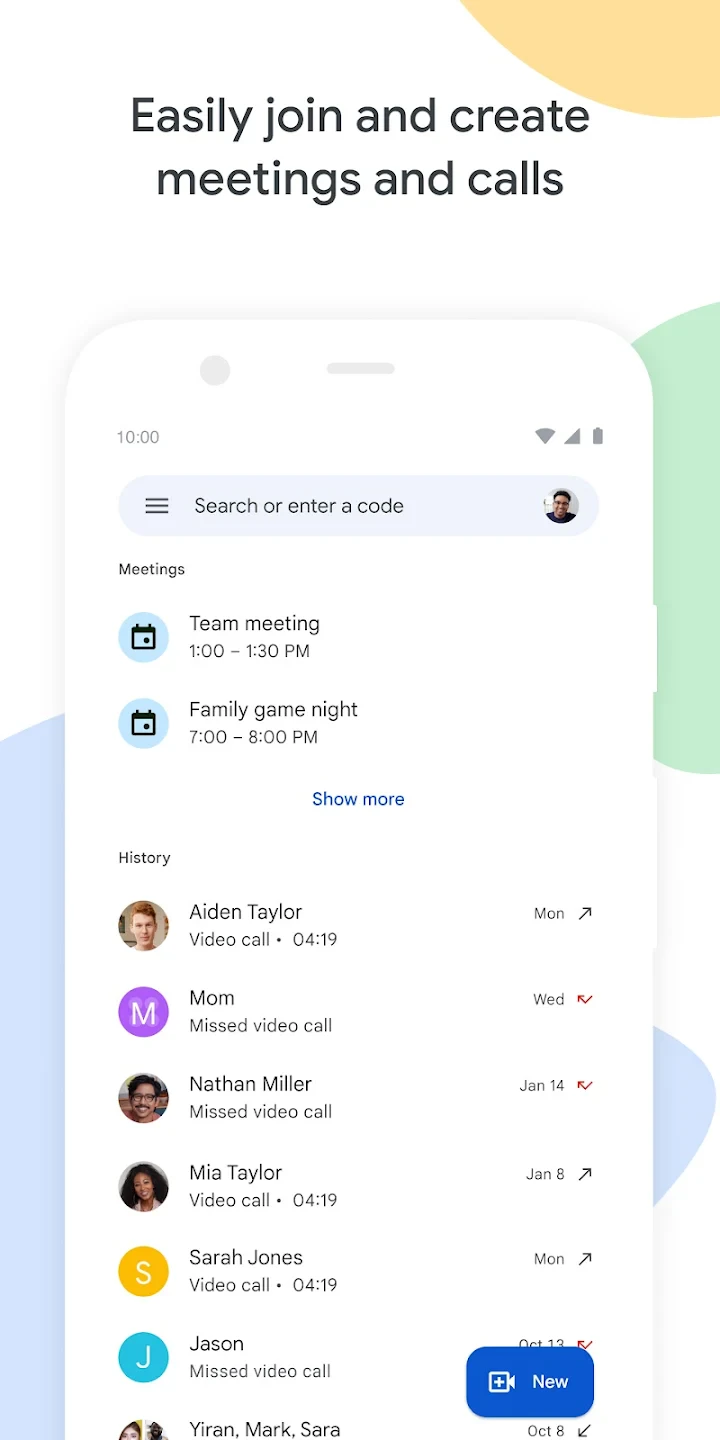
Meet links directly with Google Calendar and Gmail, allowing you to schedule or join meetings with just one tap.
🔒 Security Backed by Google
Google Meet uses encrypted connections and strong host controls to keep your meetings safe.
🧩 Background Blur & Custom Backgrounds
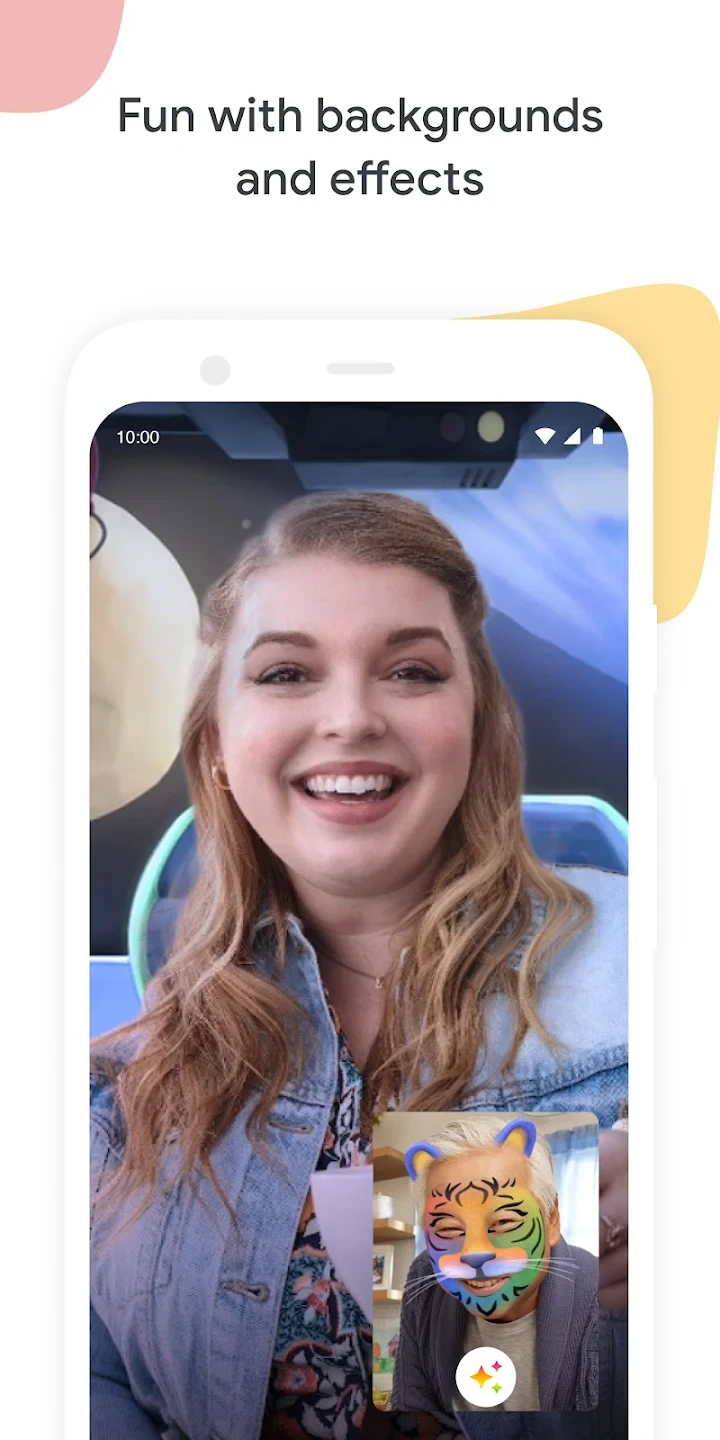
Meet offers background blur and customizable backdrops to help you look more professional in any environment.
Pros & Cons
Pros:
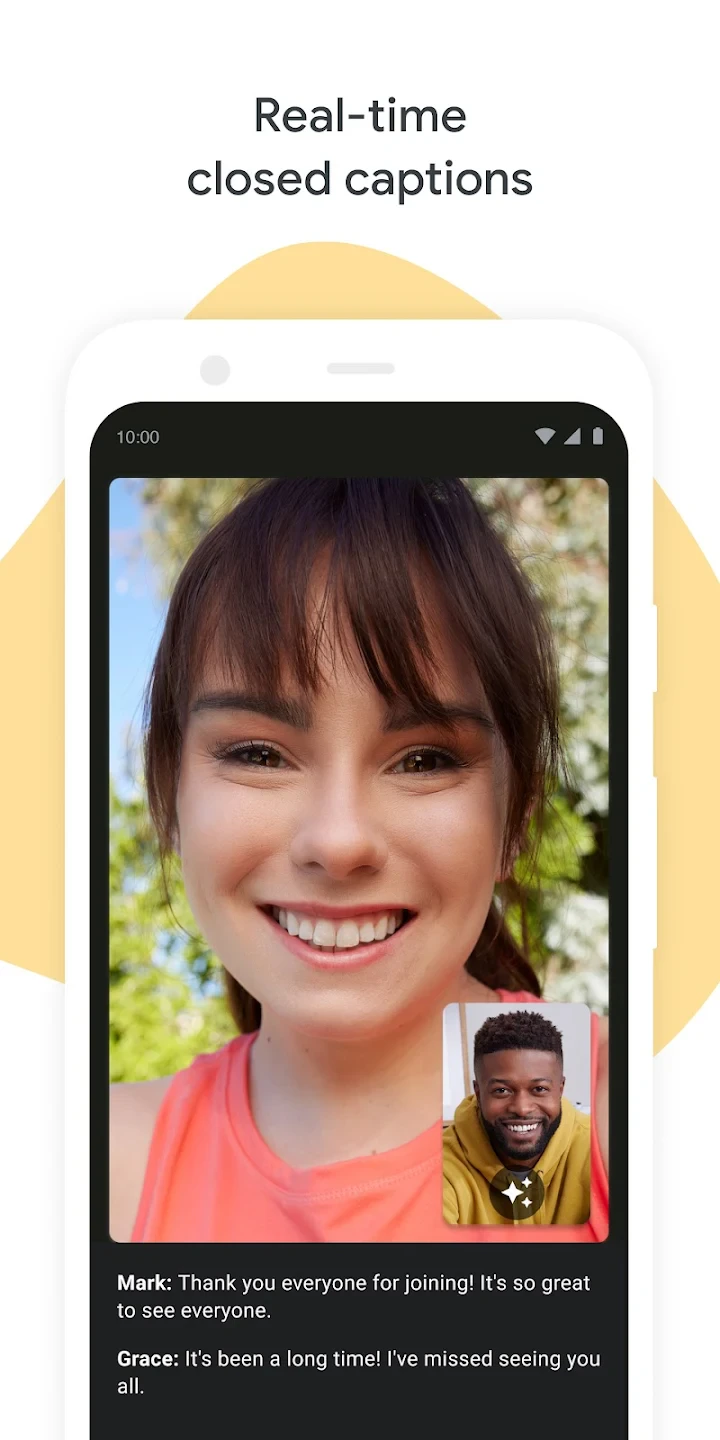
Google Meet is simple, fast, and secure, making it ideal for work and school. It integrates smoothly with Gmail and Google Calendar, offers stable video quality, and includes helpful tools like screen sharing, captions, and background effects.
Cons:
Some advanced meeting controls are limited compared to other platforms, and the experience is best when using Google’s ecosystem. Video quality may drop with poor network conditions, and larger meeting features may require higher-tier plans.
Similar Apps
| App Name | Highlights |
|---|---|
| Zoom | Known for exceptional video quality and breakout room capabilities. Includes advanced security protocols and comprehensive meeting analytics. |
| Microsoft Teams | Part of the larger Microsoft 365 ecosystem. Includes deep file-sharing integration with SharePoint and OneDrive. |
| Discord | Popular for gaming communities and smaller groups. Features customizable servers with voice channels and media sharing. |
Frequently Asked Questions
Q: Can I schedule meetings using Google Meet independently of Google Calendar?
A: Yes, Google Meet allows direct scheduling from within the app. You can quickly create meetings with custom settings like duration, agenda items, and participant permissions without needing to navigate to Google Calendar first.
Q: Does Google Meet work on mobile devices, tablets, and computers?
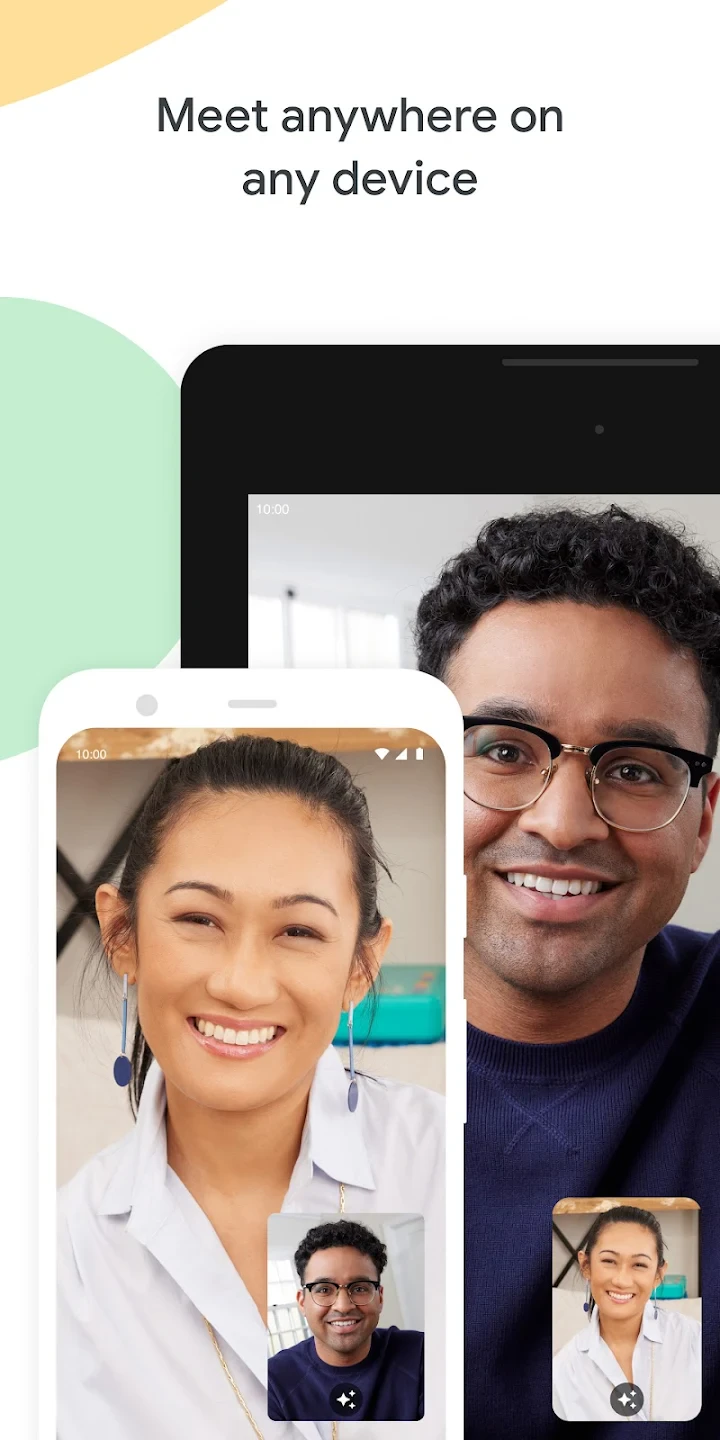
A: Absolutely! Google Meet offers dedicated apps for iOS and Android alongside full browser support. Its responsive web interface adapts seamlessly to tablets and desktop computers without sacrificing functionality or performance.
Q: What is the maximum duration I can record a meeting on the free version?
A: The free plan permits recording sessions up to one hour long. Longer meetings would be automatically split into multiple segments stored as separate files, each labeled with the meeting date and topic for easy organization.
Q: Are there any limitations on virtual background usage during meetings?
A: Yes, virtual backgrounds are restricted to pre-approved options from Google’s library unless you subscribe to a paid plan with enhanced customization features. The standard options include blurred room effects and simple branded backgrounds.
Q: Can I access my recorded meeting content offline?
A: Yes, once recordings are saved to your Google Drive, you can download them as video files or access them through offline modes in compatible apps. The files maintain their original format and include all participants’ audio tracks and screen-sharing content.
Screenshots
 |
 |
 |
 |
Google Meet App Download |
|
|---|---|
 |
 |